Everything your accountant needs, prepped.
Clerk.AI pulls your bank statements and hunts down the matching receipts in Gmail and billing portals.
Life without and with Clerk.AI
Pay what you decide it’s worth, including nothing.
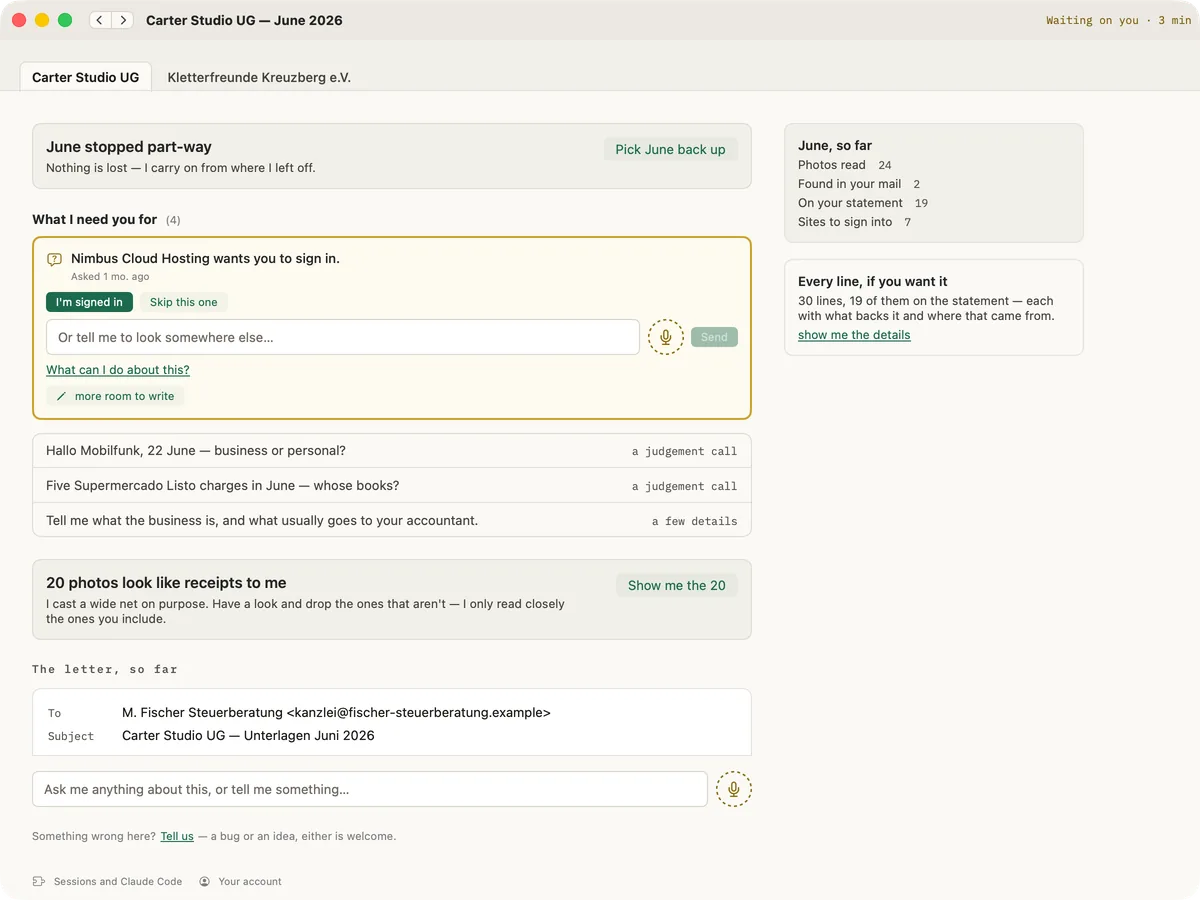
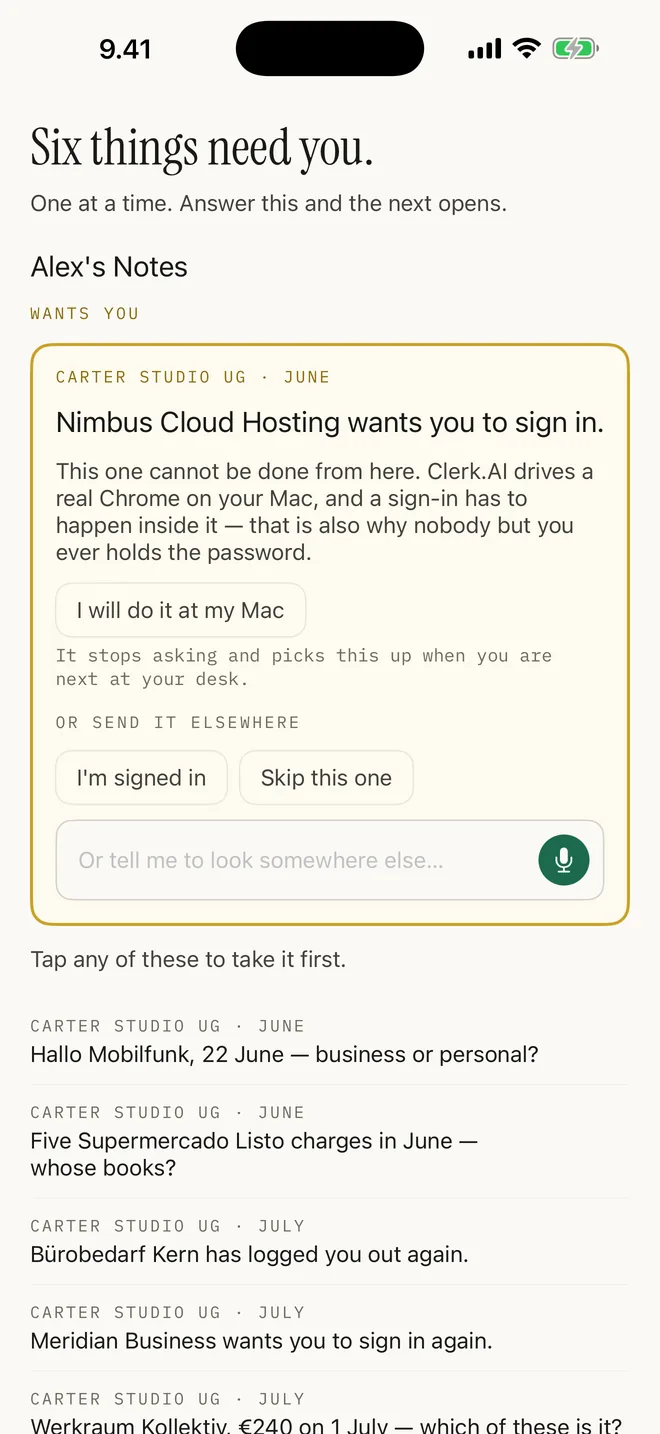
It stops for what only you can do — a login, a judgement call — and asks. At the Mac, or on your phone.
The complete list of software Clerk.AI integrates with.
Anything you can reach in a browser, it can reach. No connector to wait for, no data to migrate, and nothing whatsoever for your accountant to adopt.
it works inside sessions you signed into yourself, in a browser profile kept apart from your everyday one — so it can only reach what you put in there, and it still deserves the caution you'd give anyone you handed an unlocked laptop. Never approve a 2FA prompt you weren't expecting, and read what we recommend and what we won't take responsibility for before your first close.
Who's your accountant?
Doesn't matter. Pick their language and watch the email change — it writes in whatever they actually read, names the files their way, and asks which scheme you file under rather than assuming.
An example of the draft, not a real client's month — the figures are scenery.
Hello! Attached are June 2026's materials: 61 transactions with 43 receipts. Two movements have no receipt and are flagged separately.
Compare life with and without Clerk.AI.
57 seconds. Best with sound on.
Is this for you?
Quite possibly not. If you don’t mind doing the prep — or it’s easy enough that you never really think about it, because there aren’t many receipts, an app catches them as you spend, and you file invoices as they arrive — then this isn’t for you.
It’s for the people who don’t enjoy it. Who have to sign into site after site downloading PDFs and CSVs until it’s absurd. Who don’t get to it in time, and pay a late fee, and field fifteen nagging emails from their accountant.
You decide what it's worth.
No, really. Set it to zero and leave it there — the app is the same app. But it runs on electricity and euros, so the further up you go the more we can throw in. Change it after any close.

This is where you go.
Two rungs on the ladder put your business on this page — a line and a link, from one small company to another.
Nobody is on it yet. It starts with whoever picks €50 first, and we are not going to pad it out in the meantime.